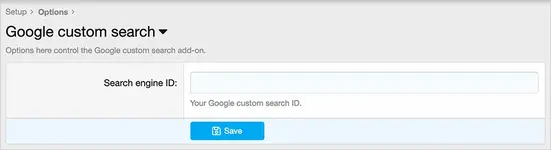
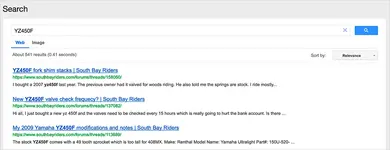
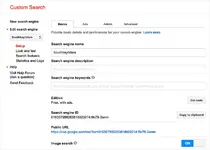
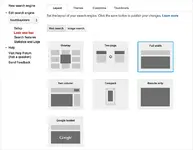
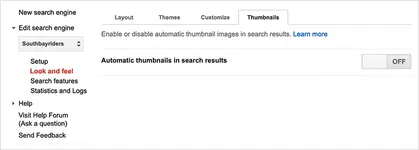
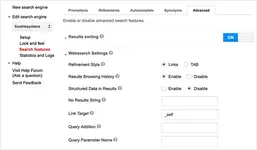
XF兼容 2.2.x 将 XenForo 搜索替换为 Google 自定义搜索。 单击"开始使用"链接。 单击"创建自定义搜索引擎的实例"链接。 单击控制面板链接。 单击添加。 添加您的论坛 URL 并创建。 设置步骤 2:转到 XenForo 中的 Google 自定义搜索选项页面,然后输入您的搜索引擎 ID。 设置步骤 3:转到 Google 自定义搜索设置页面: pic002.webp 12 KB · 查看: 65 pic001.webp 57.8 KB · 查看: 60 pic003.webp 39.3 KB · 查看: 59 pic004.webp 26.2 KB · 查看: 61 pic005.webp 18.2 KB · 查看: 61 pic006.webp 29.3 KB · 查看: 62